AI Decluttering Apps: The 2026 Solution for Organized Homes
I write about cleaning and organization for a living. Even so, my digital life remains disorganized. My phone holds hundreds of screenshots saved for later review. My desktop displays a chaotic array of files. My inbox has grown beyond any hope of reaching zero.
Digital clutter creates stress similar to physical mess. It consumes time and attention without occupying shelf space. Photos accumulate across devices. Emails fill inboxes with unread subscriptions. Files downloaded once linger forgotten.
A new generation of AI decluttering apps addresses this issue directly. These tools scan content, identify patterns, and suggest actions based on actual usage. They go beyond simple sorting to learn individual habits.
How These Apps Operate
The apps function as automated assistants. Users grant access to files, emails, or photos. The software then detects duplicates, unused items, and repeated saves. It groups similar content and proposes deletions or archives.
Initial Experience With Photo Organization
The first scan of a photo library revealed hundreds of near-identical images. Many captured the same subject from slightly different angles. The app suggested keeping the clearest version and removing the rest.
Approval of these suggestions produced immediate relief. Storage space increased. More importantly, mental clarity improved. The process highlighted how digital accumulation mirrors physical clutter in its effect on focus.
Connection Between Digital and Physical Spaces
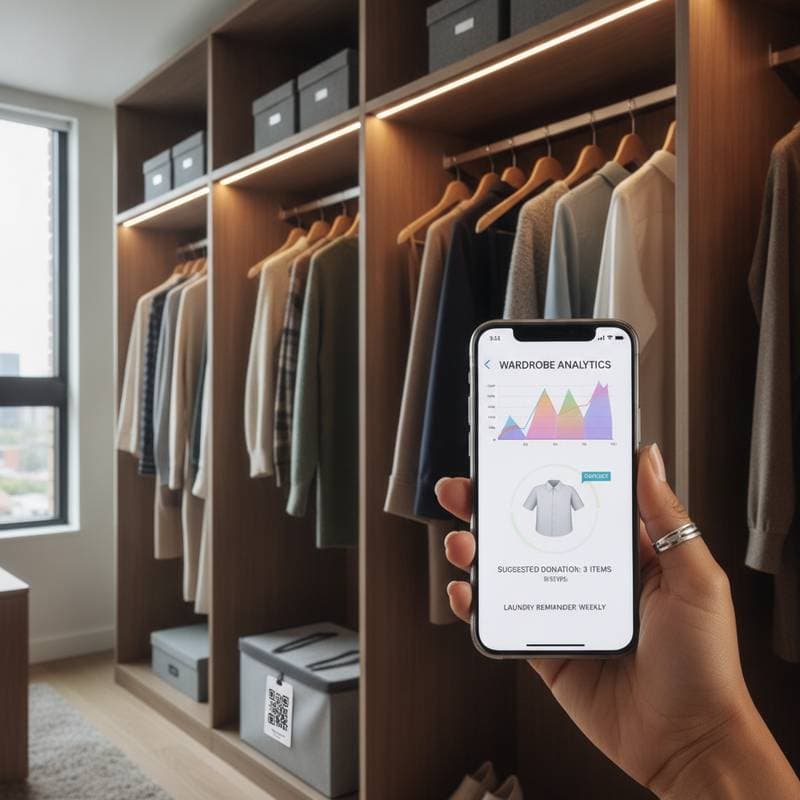
Organized digital files often motivate better physical habits. A clean phone screen encourages tidier counters. Some apps link both worlds through barcode scanning and QR code labels. They track inventory and locate stored items without manual searching.
This connection turns organization into a connected system rather than isolated tasks. Users see progress across environments and maintain momentum more easily.
Maintaining Human Judgment
AI tools handle repetitive sorting. Users retain control over final decisions. One tested app prompted emotional tagging of photos. This step revealed which images held real value versus those kept from habit.
The approach preserves mindfulness while reducing time spent on routine work. Decisions focus on meaning instead of volume.
Key Features to Evaluate
Selection depends on specific needs. Useful features include the following:
- Full review of proposed changes before execution.
- Automatic grouping by topic, date, or project.
- Synchronization across multiple devices.
- Clear encryption standards and data usage policies.
- Adjustable notification settings that avoid overload.
Testing several options reveals which combination fits personal workflows.
Adaptation to Individual Habits
Effective apps adjust to user preferences over time. One recognized seasonal photo grouping and applied it automatically. Another learned to skip certain creative folders during scans. These adjustments prevent the tool from feeling rigid.
Customization supports long-term use. It respects established routines instead of requiring complete behavior change.
Mental Benefits of Reduced Digital Load
Clearing old emails and files often releases associated tension. Unfinished projects and missed messages lose their constant presence. The result is greater availability for current priorities.
A tidy digital environment supports the same sense of order that a clean physical space provides. Both contribute to reduced anxiety and improved concentration.
Steps to Begin
Start with one content type such as photos or emails. Set access limits to low-risk areas first. Review every suggestion before approval. Apply the same selective mindset to physical spaces. Acknowledge each completed folder or album as progress.
These practices build confidence and demonstrate value quickly.